
Transform your corporate communications with SharePoint
.jpg) Transform your corporate communications with SharePoint Dux Raymond Sy (@meetdux), PMP Managing Partner, Innovative-e Dux, Author, “SharePoint for Project Management”
Transform your corporate communications with SharePoint Dux Raymond Sy (@meetdux), PMP Managing Partner, Innovative-e Dux, Author, “SharePoint for Project Management”
The #1 most used corporate communications tool is email – a 1973 technology – to facilitate corporate communications.
Why SharePoint?
The vision for SharePoint is that it democratizes productivity – it centralizes information, makes the right things available to the right people, and you don’t need IT’s help to do what needs to be done.
7 Ways to Maximize SharePoint for Corporate Communications
- Easily create a Collaboration Platform
The best part of SharePoint is that you don’t need IT’s help to set it up. The collaborative platform centralizes team artifacts (documents) and dialogue around projects. In addition, SharePoint is connected to all the other tools people are already familiar with, including Outlook. For example, from Outlook, SharePoint calendars, documents, and other pieces are accessible and editable. You can actually use SharePoint without going to the project site, but just by working within Outlook. 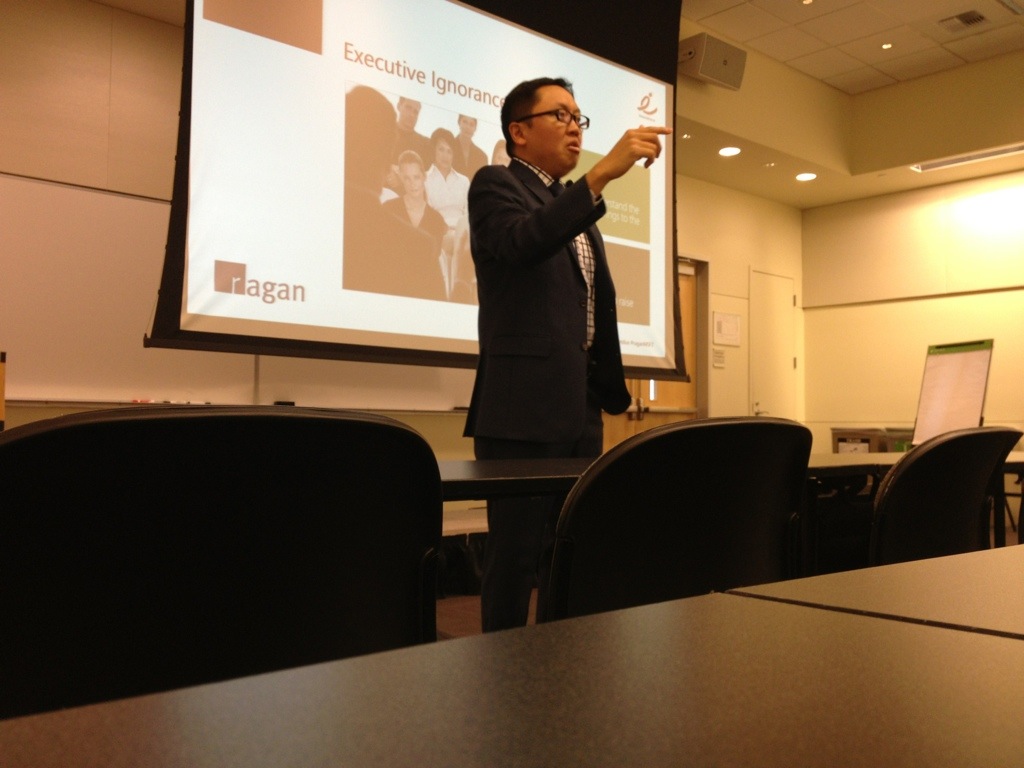 Efficiently Manage Information
With a centralized workspace, you can avoid playing “who saved the file last.” In new versions of SharePoint, up to 4 people can work on a document simultaneously. Version history, alerts, and organization manages records retention and allows users to customer how they want to work.- Utilize Microsoft Office Integration
Word, Excel, Outlook, Project, and other Microsoft products can sync files directly with SharePoint. You can work with the tools you’re familiar with, and SharePoint simply helps connect and centralize the information. When everyone is working off the same set of information, you no longer have to take it all in and sort and combine data or information. For example, “Sync with Outlook” will move things like SharePoint discussions, documents, etc. to work with Outlook. - Enhance Team Collaboration
Two things can be used specifically to help team collaboration – Discussion Boards and Meeting Workspace. Discussions are easy, and as mentioned, can be used just like email, by syncing with Outlook. The meeting workspace provides a single place to store meeting information and record it. - Effectively Automate Processes
Common corporate communications processes and workflows are already in the tool out of the box – Approvals (stages/next steps or parallel), collect signatures, Disposition approval). These are great for helping to document approvals, and ensure process and proceedures are followed. - Generate Relevant Reports
Sharepoint allows you to utlize the data within documents to build Dashboards with KPIs, charts, etc. - Enable Mobile Access
One Note – can be used to send things from a mobile device and then edit in Sharepoint.
How to Successfully Leverage SharePoint
Planning, executive support, educating your employees, and using the tools to solve problems is key. SharePoint is more than just a glorified way to share and store documents, it’s a business enablement tool. SharePoint has multiple capabilities, but you must take the approach of figuring out how to use it to solve your particular challenges.
Tags
Related Posts
Share This


 Pain free for the clients – not for you, but if your client is happy, then you are happy. What do clients want to be happy:
 1. Kickoff meeting – The client discusses goals and ideas, and you should make them feel passionate about it. Give them the freedom to feel included. Ask if there are any other stakeholders – let’s get everyone together and get them excited about the process. Be sure to get everyone in from the beginning to brainstorm the challenge. Make it clear how the process will work. Emphasize that it’s collaborative and what you need from them in terms of involvement and decisions as far as when and how that will happen. Ask them for words to describe what they hope it will turn out like.
 Subscribe via email